Top Menu
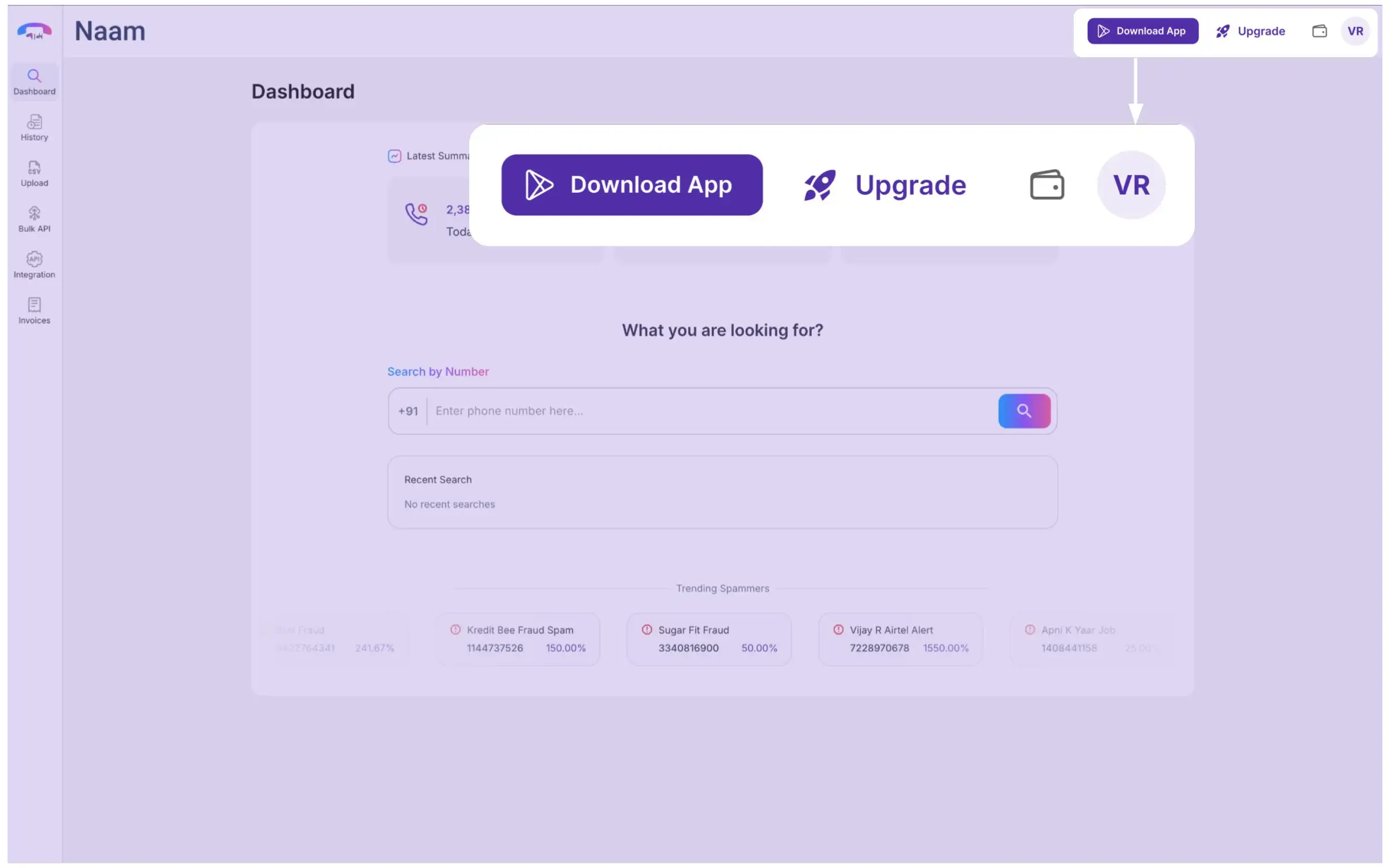
In this section, you have:
- Download App Button: Redirects you to the Google Play Store to install the app on your phone.
- Upgrade Button: Redirects you to the pricing page, where you can buy new plans as per your needs.
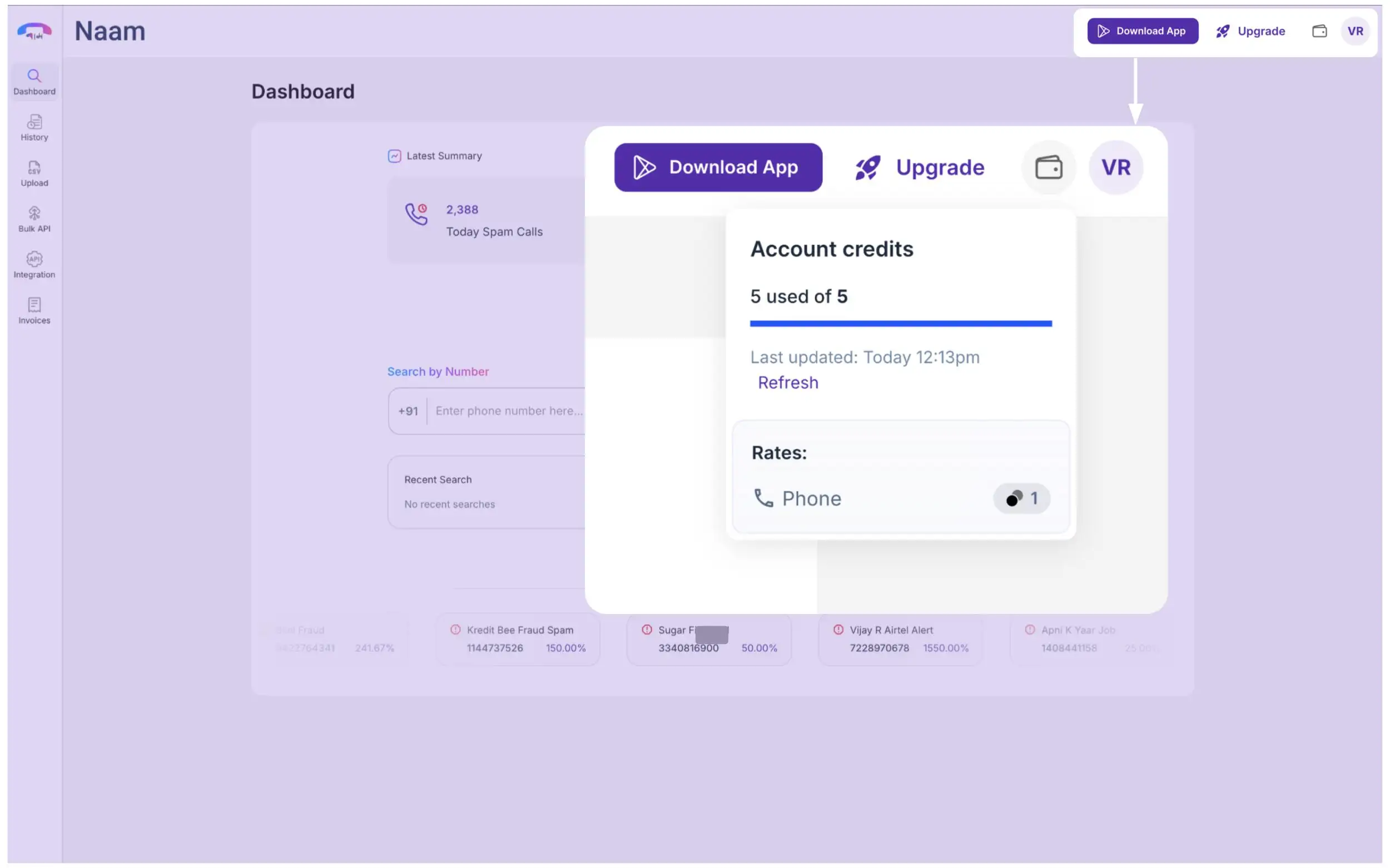
- Wallet Icon: It shows you how many credits you have used out of the total credits.
Here you can refresh the stats to get the latest update.
It also shows you how much credit you are spending on one phone number.
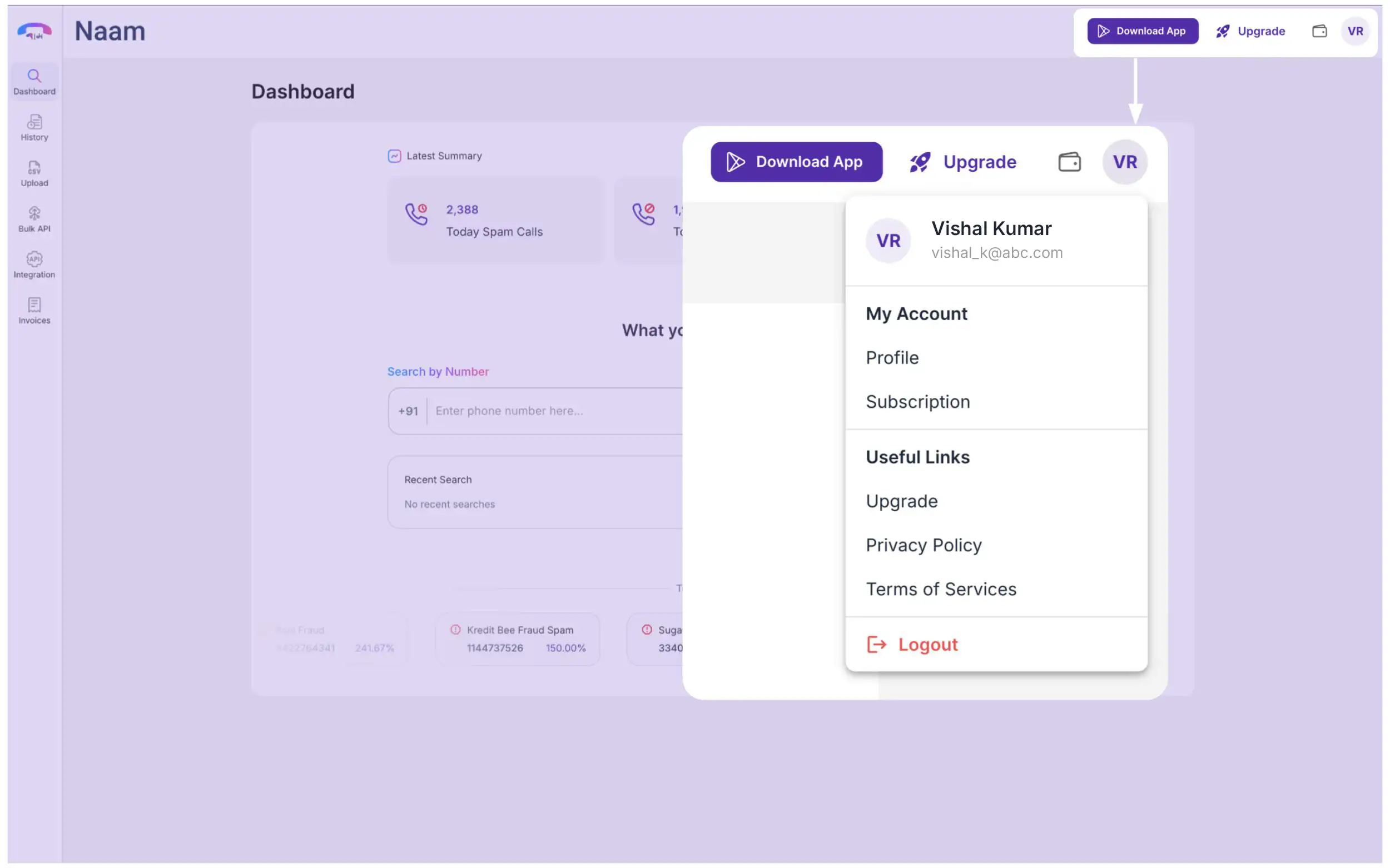
Profile Icon: This menu take you through your
- Profile
- Subscription
You can also upgrade your plan from here by clicking the “Upgrade.”
Also, from here you can access our privacy policy, terms of services.
To logout yourself and end the session, click “Log Out.”
This section take your through your previous search results. Naam only stores 7 days of your previous search results. Past that, the history will expire automatically.
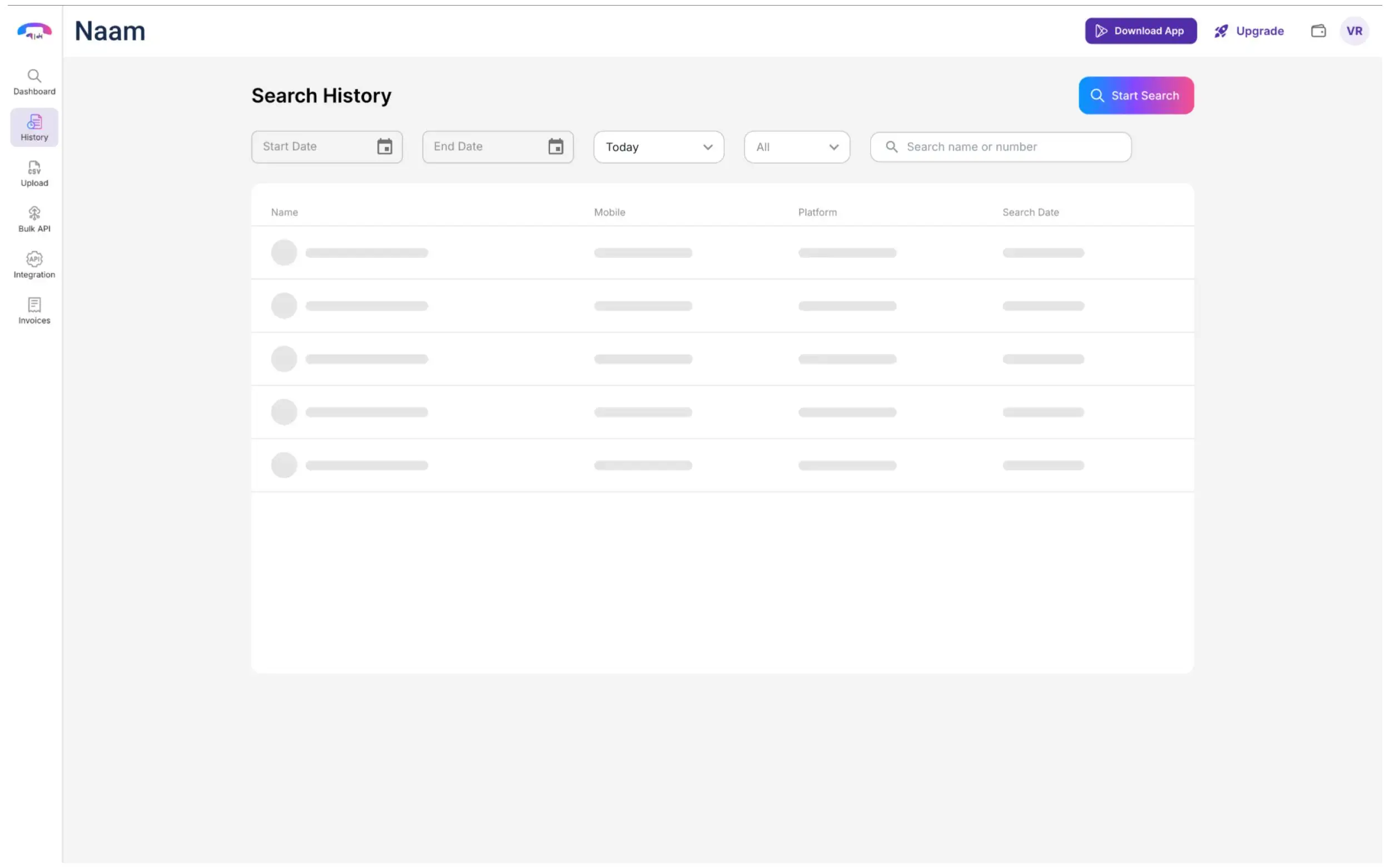
Here, you can also filter your history based on:
- Start Date
- End Date
-
Day Range
- Today
- Yesterday
- Last 7 Days
-
Search Type
- Web: Numbers searched through the dahsboard.
- API: Search via Naam API.
To search numbers in bulk, upload you CSV file containing the phone numbers in this section.
This is premium feature which is only available through “Individual+” or any higher plan.
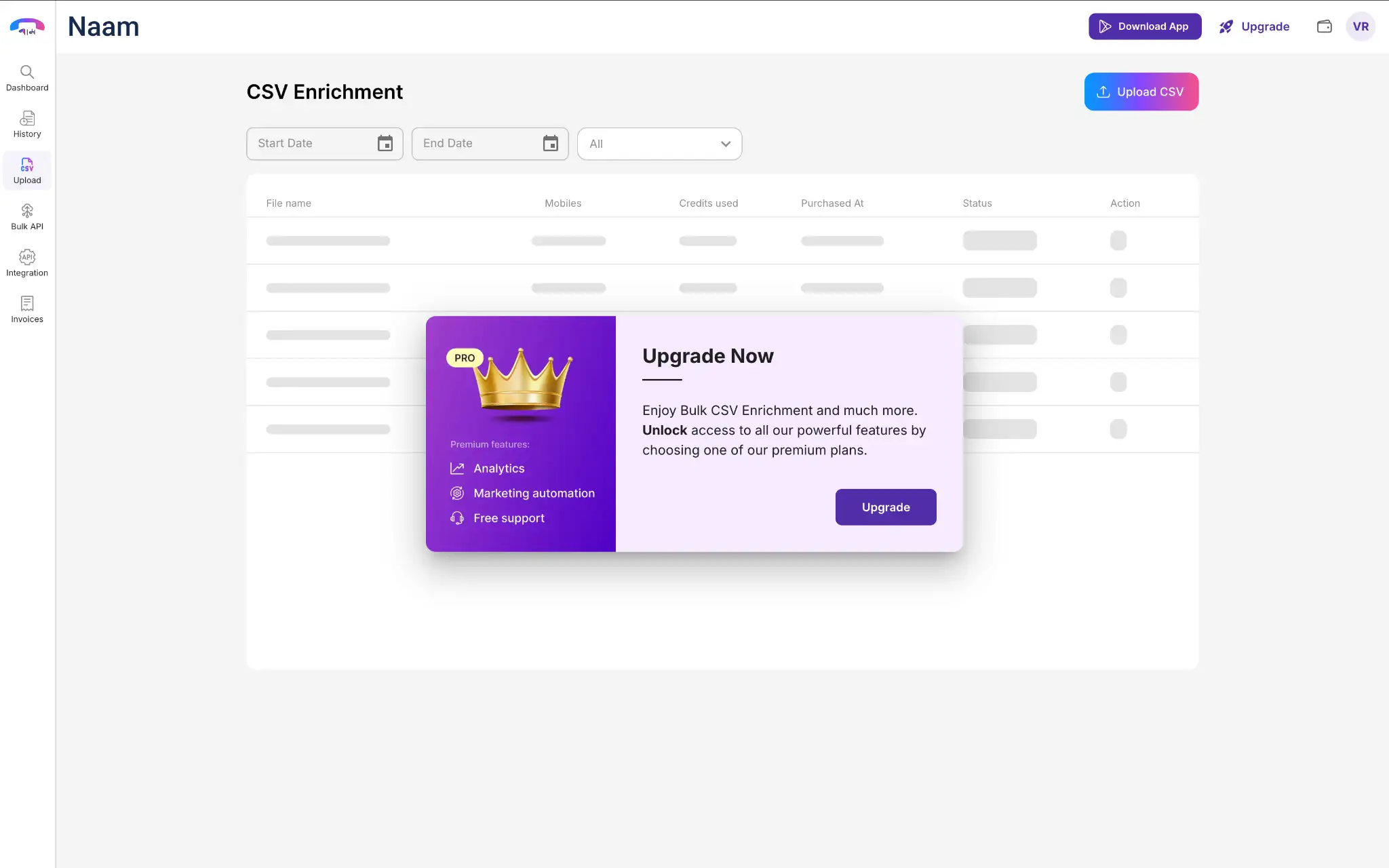
To upload a CSV, click “Upload CSV” button in the top right corner.
Your previously uploaded CSVs will all be listed here with details like:
- File Name: Contains the CSV file name.
- Mobile Numbers: Lists all the mobile numbers in it.
- Credits Used: Credits utilized for that particular CSV.
- Purchase At: The method of contact purchasing (Web or API).
- Status: Status of the CSV enrichment.
- Action: To delete the CSV from the history.
You can search all your CSV based on the date, or type of platform where CSV search was executed.
The Bulk API lets you enrich large batches of mobile numbers in two steps: submit a bulk job to receive an enrichmentId, then poll that ID to retrieve the enriched caller identity records.
This is also a premium feature that is available from the “Startup Plan.”
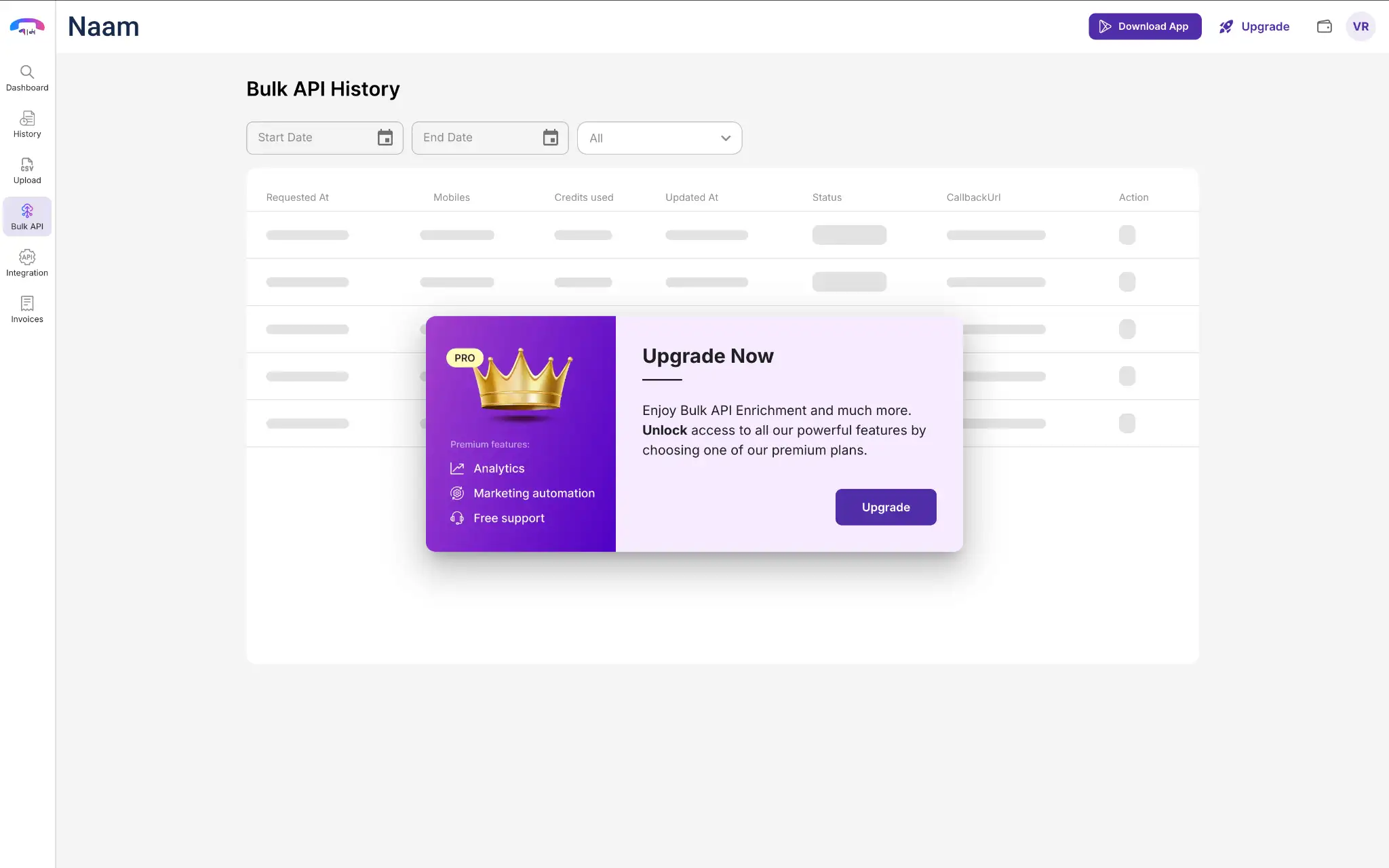
This section lists the history of the API requests:
- Requested At: Date of request via API.
- Mobiles: Number searched through the API.
- Credits Used: Credits utilized by the API to search numbers.
- Updated At: Date when API was last updated.
- Status: Status of the search request.
- Call Back URL: Lists the callback URL used after enrichment.
- Action: Delete the API from the history.
Integration allow you to generate an API key though which you will be able enjoy the features of Naam into your own platform.
This is also a premium feature which is available from the “Startup Plan.”
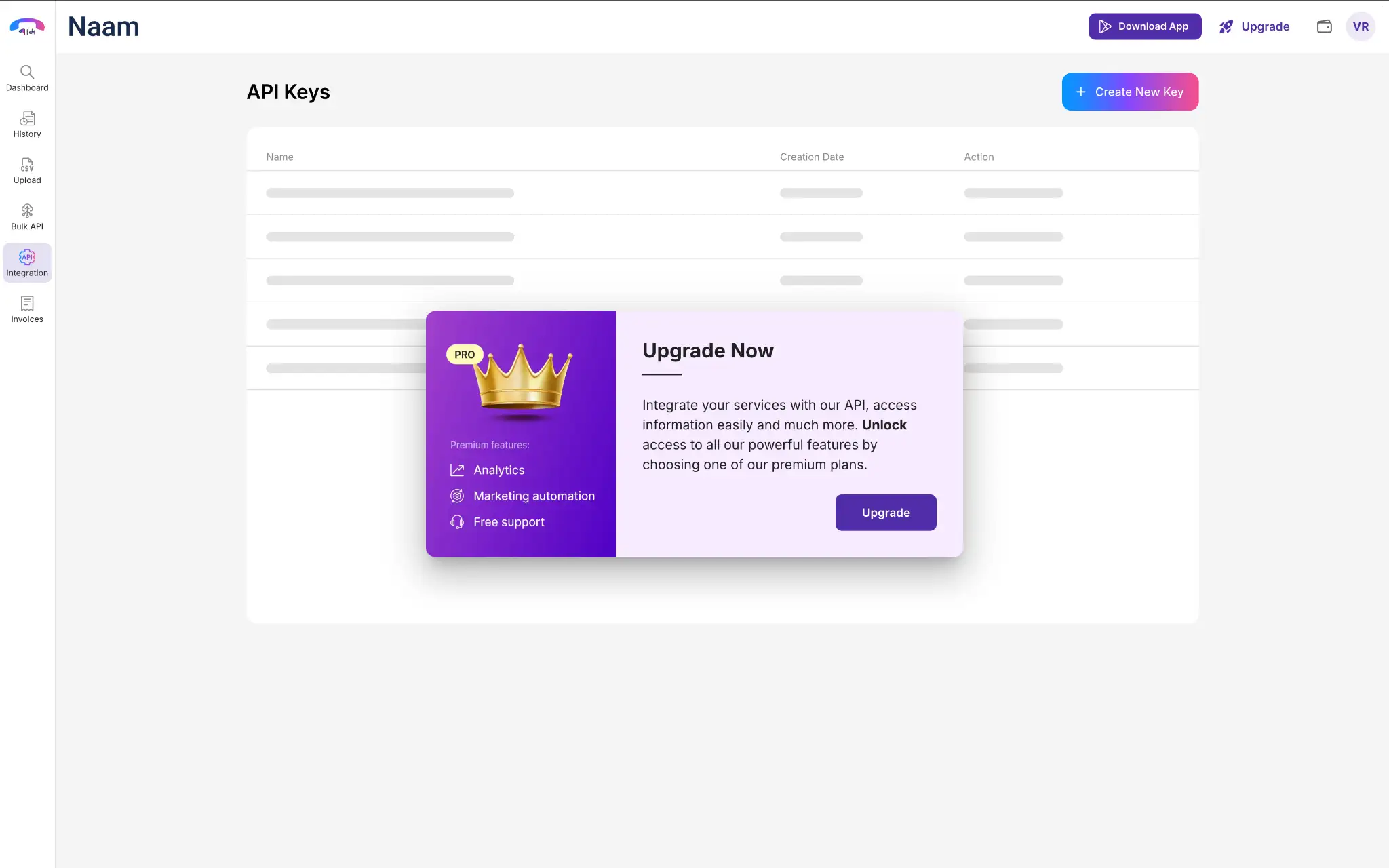
The section will all the API keys you have generated so far with some basic details and some actions to terminate an API key.
To generate your unique API key,
- Click on the “Create New Key” button in the top right corner.
- It will create the API key with an option to copy it.
Now you can use this API key for integration with your website, application, or CRM.
To download any invoice related to your plan purchase, you can get it all from this section.
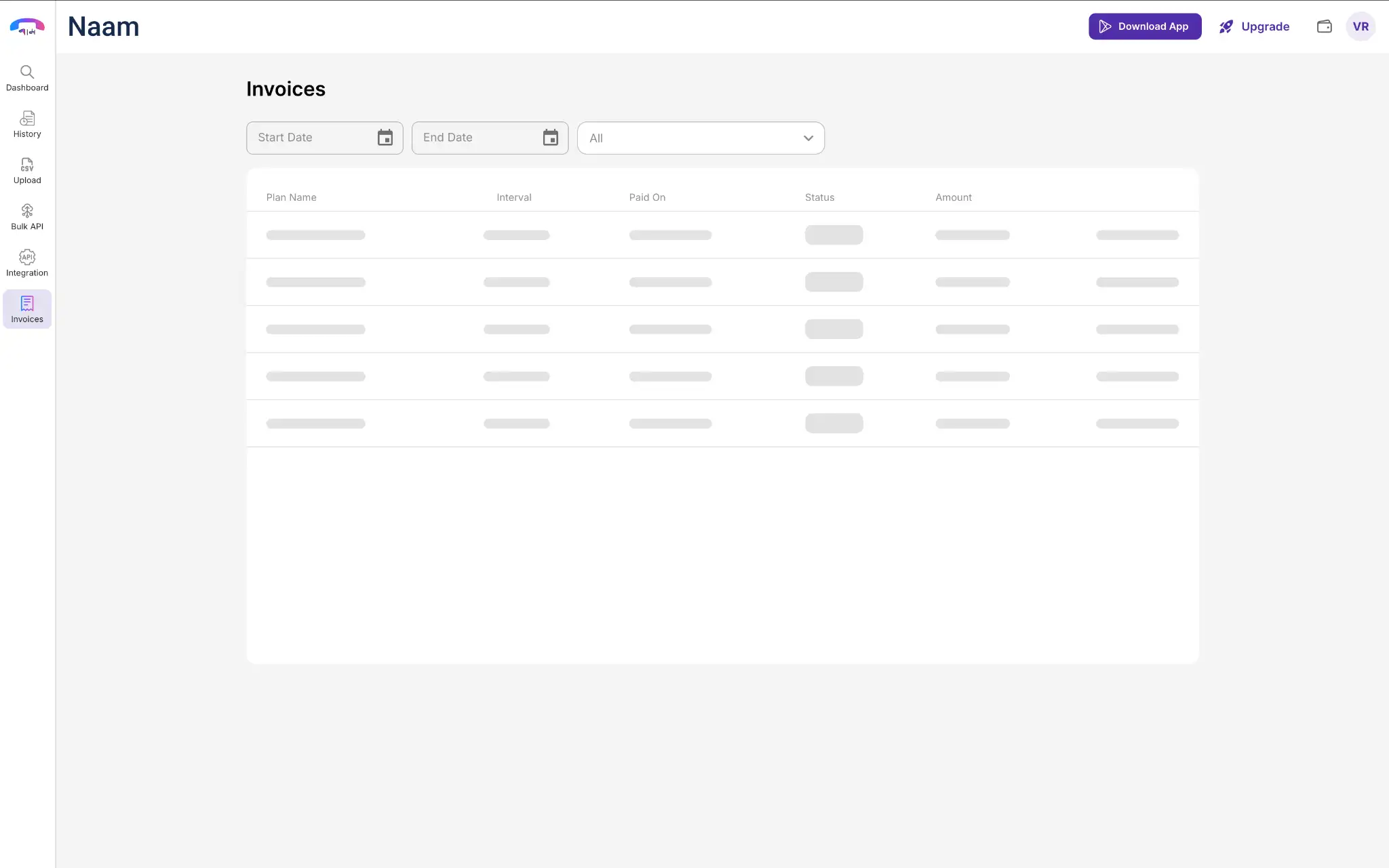
You are allowed to filter them based on:
- Data range
-
Status
- All
- Paid
- Pending
- Expired