Navigation Menu
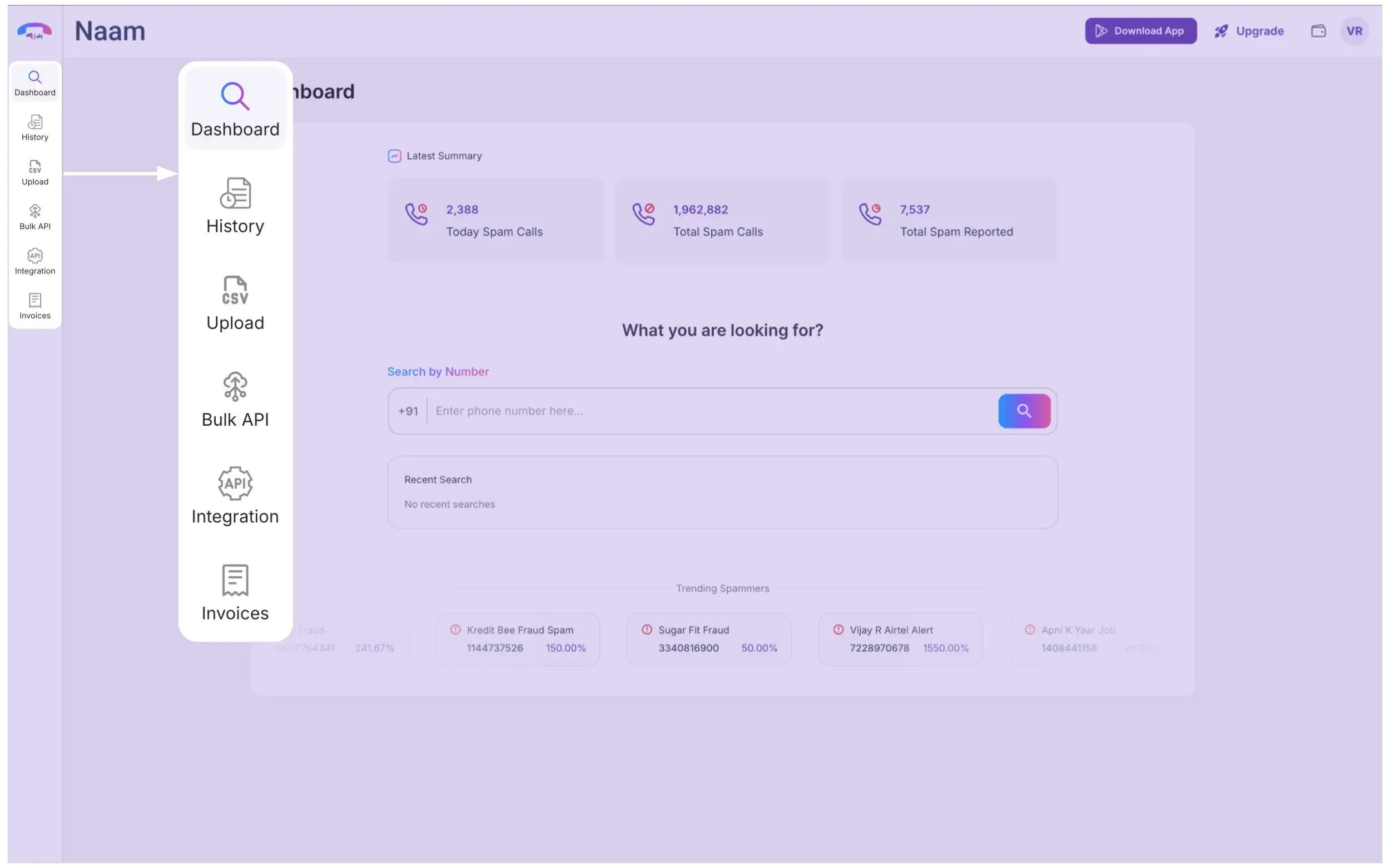
Once you are logged in, you will be introduced to the Dashboard section of the Naam app.
Here on the left side of the dashboard, you will find the navigation menu leading you to:
- Dashboard: Home page of the app
- History: List all your purchase activities
- Upload: For bulk number search
- Integration: Generate an API for CRM integration
- Invoices: Your billings for purchased plans